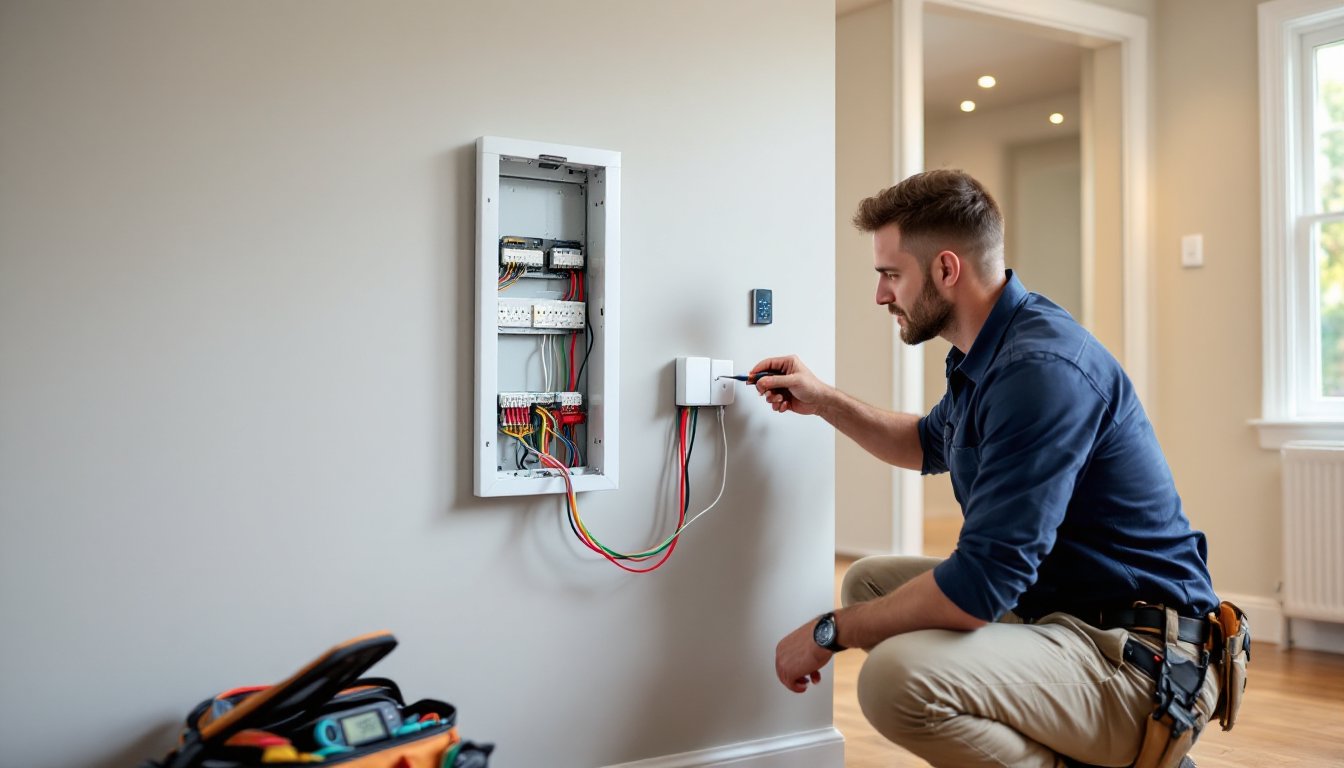
Smart home technology has moved beyond luxury into the practical realm, thermostats that learn your schedule, lights you control from bed, and security systems that text you when the mail arrives. But behind every voice command and app tap is electrical infrastructure that has to work. Unlike swapping a doorknob, smart home electrical installation often involves live wiring, code compliance, and devices that expect specific voltage and connectivity. Whether you’re adding a few switches or rewiring an entire room, understanding the electrical side keeps your project safe, code-compliant, and functional for years to come.
Table of Contents
ToggleKey Takeaways
- Smart home electrical installation requires understanding voltage requirements, neutral wires, Wi-Fi connectivity, and load capacity to ensure safe, code-compliant systems that perform reliably.
- Most smart switches need a neutral wire in the switch box, while smart thermostats require a C-wire (common wire) and smart outlets must meet GFCI or AFCI codes depending on location and local regulations.
- Assess your electrical infrastructure before installation by checking panel capacity, testing Wi-Fi coverage, and inspecting wire gauge and box conditions, since old homes may lack neutrals or use incompatible wiring like aluminum or knob-and-tube.
- DIY smart home electrical installation works for simple switch or outlet replacements with adequate space, but hiring a licensed electrician is essential for panel upgrades, new circuits, wet locations, and multi-story wiring runs.
- Common installation challenges—missing neutral wires, dimmer-bulb incompatibility, weak Wi-Fi signals, and crowded boxes—have solutions ranging from wire fishing to mesh networks to deeper boxes or battery-powered alternatives.
- Document every step of your smart home electrical installation with photos, labeled cables, and detailed records of device locations and credentials to simplify future upgrades and help the next homeowner.
Understanding Smart Home Electrical Requirements
Most smart home devices run on 120V AC standard household current, but they differ wildly in how they connect and what they need behind the wall.
Smart switches and dimmers require a neutral wire in the switch box, something older homes (pre-1980s) often lack. If your switch box only has a hot wire and a load wire (no white neutral), you’ll need to pull new wire or use battery-powered smart switches instead. The National Electrical Code (NEC) has required neutrals in switch boxes since 2011, but enforcement varies by jurisdiction.
Smart thermostats typically draw 24V AC from the HVAC system’s transformer. Most systems supply enough power, but if yours doesn’t have a C-wire (common wire), the thermostat can’t maintain a constant connection. You can add a C-wire adapter or upgrade the transformer, both require opening the furnace panel and working with low-voltage wiring.
Wi-Fi signal strength matters as much as voltage. Devices installed in metal boxes, exterior walls with dense insulation, or basements often lose connection. Plan for mesh routers or range extenders before you start drilling.
Load capacity is another factor. LED-compatible smart dimmers are rated for specific wattages, usually 150W for LEDs or 600W for incandescent bulbs. Overloading a dimmer causes flickering, overheating, or failure. Add up the wattage of every bulb on the circuit before selecting a switch.
Planning Your Smart Home Electrical System
Start with a clear inventory of what you want to automate and where. A lighting plan, security system, climate control, and smart outlets each have different electrical demands and interdependencies.
Map your automation zones by room and function. Group devices that should operate together, bedroom lights, hallway motion sensors, and a smart lock on the same control loop simplify routines. Note which circuits serve each zone. An overloaded circuit can trip breakers when multiple devices pull power simultaneously.
Hub vs. hub-free systems change your electrical planning. Hub-based systems like Zigbee or Z-Wave use low-power mesh networks that don’t rely on Wi-Fi, reducing router load but requiring a powered hub that needs its own outlet and network connection. Hub-free systems (Wi-Fi-only devices) are simpler to install but congest your wireless network when you scale up.
Budget for upgrades beyond the devices themselves. Adding circuits, installing GFCI outlets in damp locations, and upgrading panel capacity can double your material costs. If you’re installing more than a handful of devices, factor in a professional electrical inspection to catch issues before they become code violations.
Assessing Your Current Electrical Infrastructure
Before you buy a single smart switch, open your electrical panel and take stock. Count the available breaker slots and check the panel’s amperage rating, most modern homes have 200-amp service, but older homes may have 100-amp or even 60-amp panels. If your panel is full or near capacity, adding multiple smart devices that require dedicated circuits means upgrading the panel or subpanel.
Check the age and condition of your wiring. Homes built before the 1960s may still have knob-and-tube or aluminum wiring, both of which can be incompatible with modern smart devices and may require remediation before installation. Pull a switch plate in the room you plan to automate and look inside the box. 14-gauge wire (typically white sheathing) serves 15-amp circuits: 12-gauge (yellow sheathing) serves 20-amp circuits. If the box is crowded, you may not have space for the additional wires a smart switch requires.
Test your Wi-Fi coverage with a smartphone or laptop in every planned installation location. Devices that rely on constant connectivity will fail if the signal is weak or drops frequently.
Essential Smart Home Devices and Their Electrical Needs
Smart light switches are the most common entry point. Single-pole switches control one light from one location: three-way switches control one light from two locations. Smart three-way installations typically replace only one of the existing switches, with the other becoming a “dummy” or companion switch. Verify your switch type before ordering, mixing them up wastes time and money.
Smart outlets come in two types: in-wall receptacles that replace your existing outlet, and plug-in modules that sit between the outlet and your device. In-wall versions require cutting power at the breaker, removing the old receptacle, and connecting line, load, and ground wires to the new smart outlet. Plug-in modules are DIY-friendly but bulky. Smart outlets in kitchens, bathrooms, or outdoor locations need to be rated for GFCI protection and may require Arc Fault Circuit Interrupter (AFCI) compatibility depending on local codes.
Smart thermostats need both power and communication with your HVAC system. Remove your existing thermostat cover and photograph the wiring before disconnecting anything. Most systems have R (power), W (heat), Y (cooling), G (fan), and C (common) wires, but configurations vary. If your system lacks a C-wire, installing a smart thermostat may require running a new wire from the furnace or using a power adapter kit.
Video doorbells often require both doorbell transformer upgrades and Wi-Fi extenders. Older doorbell transformers supply 10V to 16V: most smart doorbells need 16V to 24V to power the camera and maintain connectivity. Upgrading the transformer involves working inside the electrical panel or junction box, this is a good time to call a licensed electrician if you’re not comfortable with panel work.
Smart locks are usually battery-powered and don’t require hardwiring, but if you opt for a model with continuous power, you’ll need to fish low-voltage wire through the door frame to a nearby outlet or transformer.
Installation Best Practices and Safety Considerations
Turn off power at the breaker before touching any wiring, not just flipping the wall switch. Use a non-contact voltage tester to confirm the circuit is dead before you open the box. Keep the tester handy and recheck after pulling the device out of the wall.
Wear safety glasses and work gloves. Wire ends are sharp, and old boxes can have jagged metal edges or loose insulation fibers. If you’re drilling into walls to fish wire, wear a dust mask and ear protection.
When connecting devices, match wire colors to terminals or follow the manufacturer’s wiring diagram exactly. Black or red wires are hot (line or load), white wires are neutral, and bare copper or green wires are ground. If your box has multiple cables, use a voltage tester to identify which is line (incoming power) and which is load (outgoing to the light or device). Connecting them backward won’t cause a fire, but the device won’t work.
Secure wire connections with twist-on wire connectors (wire nuts) sized for the gauge and number of wires. A loose connection creates resistance, heat, and potential fire hazards. Tug each wire after connecting, if it pulls free, redo it.
Smart devices generate heat. Don’t overstuff the electrical box. If the box is crowded, upgrade to a deeper box or a “smart box extender” that gives you extra cubic inches for wire storage. The NEC specifies box fill calculations based on wire gauge and device count.
Label your breakers as you go. When troubleshooting or upgrading later, you’ll thank yourself for knowing which breaker controls the smart switch in the guest bedroom.
When to DIY vs. Hire a Licensed Electrician
Replacing an existing switch or outlet with a smart version is typically a straightforward DIY project, if your box has the required neutral wire and adequate space. Follow the manufacturer’s instructions, and you’ll be done in 30 minutes.
Call a licensed electrician if you need to:
- Add new circuits or upgrade your electrical panel
- Fish wire through walls or ceilings, especially in multi-story homes
- Install devices in wet or damp locations (bathrooms, outdoor areas) that require GFCI protection
- Work inside the main panel or service entrance
- Modify load-bearing walls or pull permits for whole-house automation systems
Many jurisdictions require permits for new circuits or panel upgrades, and inspectors will check for code compliance. Hiring a pro costs more upfront, professional smart home installation averages $200 to $500 per device depending on complexity, but it ensures the work is safe, insured, and code-compliant. If you’re planning a full smart home upgrade, factor in a blend of DIY tasks (installing switches in accessible boxes) and pro work (panel upgrades, complex wiring runs).
Common Installation Challenges and How to Overcome Them
No neutral wire in the switch box is the most frequent roadblock. Older wiring methods only ran a hot and load wire to the switch, with the neutral bundled in the light fixture box. Solutions include fishing a neutral wire from the light box to the switch box, installing a smart switch that doesn’t require a neutral (some models use the ground wire or capacitive coupling), or using battery-powered wireless switches that mount over the existing switch without rewiring.
Incompatible dimmer and bulb combinations cause flickering or buzzing. Not all LEDs play nicely with all smart dimmers. Check the dimmer’s compatibility list before buying bulbs, or choose bulbs specifically labeled “dimmer compatible.” If you’ve already installed everything and it flickers, try a different bulb brand or switch to a different dimmer model with better LED compatibility.
Weak Wi-Fi signal in installation locations defeats the purpose of smart devices. Before you install, test signal strength with a Wi-Fi analyzer app. If the signal is weak, install a mesh router node nearby or switch to a Zigbee or Z-Wave device that uses a low-power mesh network instead of Wi-Fi. Those protocols require a hub, but they’re far more reliable in signal-challenged areas.
Overloaded circuits cause breakers to trip when you add multiple smart devices. Even low-power devices draw some current, and older circuits may already be near capacity. If adding a few smart outlets or switches trips the breaker, you’ll need to redistribute devices across circuits or add a new circuit. This requires working in the panel and is a job for a licensed electrician.
Device grouping and automation glitches often come from mixing incompatible ecosystems. A Google Home hub may not directly control a HomeKit-only device without a bridge or third-party integration. Plan your ecosystem before you buy, stick with one primary platform (Alexa, Google, Apple, or a hub like Home Assistant) and verify compatibility for every device.
Crowded electrical boxes make it nearly impossible to fit a smart switch. Metal boxes in old homes are especially tight. Options include replacing the box with a deeper model, using a box extender, or choosing a compact smart switch designed for shallow boxes. Never force a device into a box, pinched wires and cracked terminals are fire hazards.
Troubleshooting connectivity issues often comes down to router placement, device firmware updates, or interference from other electronics. Keep device firmware up to date, reboot your router periodically, and avoid placing hubs or routers near microwaves, cordless phones, or baby monitors that operate on the same 2.4 GHz frequency.
For more complex setups involving multiple zones, custom routines, and integration between advanced home automation systems, consider investing in a dedicated smart home hub or controller. These centralize control and reduce dependency on cloud services that can go offline.
Finally, document everything. Take photos of wiring before you disconnect it, label all cables, and keep a spreadsheet of device locations, model numbers, and network credentials. Future you, or the next homeowner, will appreciate it.