Checking the weather app on your phone is convenient, but that forecast comes from a station miles away, maybe even across town. Local conditions matter. A smart home weather station sitting in your backyard can tell you exactly what’s happening at your property: wind speed, rainfall, UV index, barometric pressure, and temperature swings that affect your sprinkler schedule, paint jobs, or whether you need to bring in the patio furniture. These devices have evolved from clunky analog instruments into sleek, connected systems that feed real-time data to your phone, sync with your smart home ecosystem, and help you make better decisions about outdoor projects and daily planning.
Table of Contents
ToggleKey Takeaways
- A smart home weather station provides hyper-local weather data at your specific property, eliminating guesswork and enabling better decisions for outdoor projects, landscaping, and daily planning.
- Quality sensors matter: choose models with temperature accuracy within ±0.5°F, humidity sensors accurate to ±3%, and rain gauge resolution of 0.01 inches for reliable monitoring.
- Mid-range smart home weather stations ($150–$350) offer the best value, combining a full sensor suite with Wi-Fi connectivity, app alerts, and integration with Alexa or Google Home.
- Proper placement is critical—mount temperature sensors 4–6 feet high away from heat sources, rain gauges in open areas clear of obstructions, and anemometers 10+ feet above ground for accurate readings.
- Smart home weather stations integrate with automation platforms to trigger actions like closing awnings at 20 mph winds or shutting off sprinklers after rainfall, enhancing your connected ecosystem.
- Regular maintenance—clearing debris monthly, inspecting bearings quarterly, and replacing batteries annually—ensures consistent accuracy and prevents erratic data from aging components.
What Is a Smart Home Weather Station?
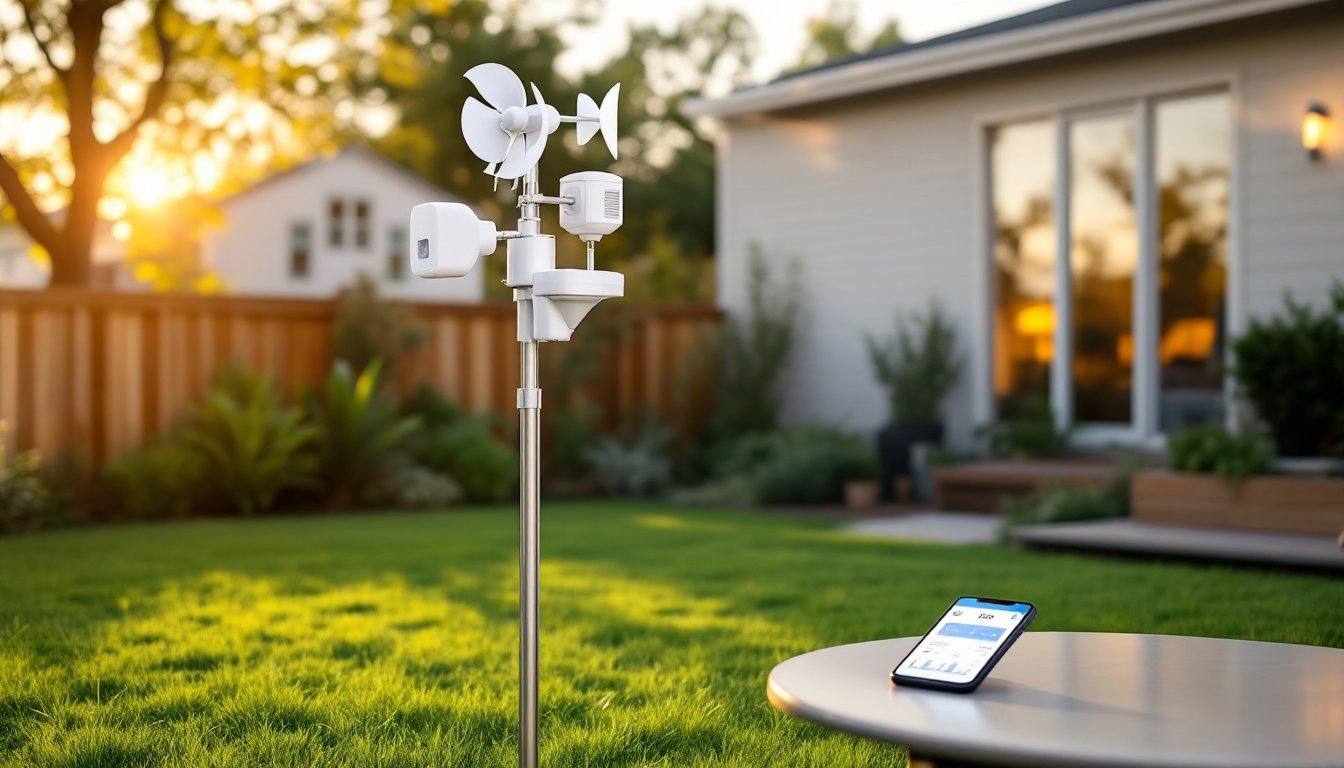
A smart home weather station is a network of outdoor and indoor sensors that measure atmospheric conditions at your specific location, then transmit that data wirelessly to a base unit or directly to your smartphone via Wi-Fi or Bluetooth. Unlike traditional analog gauges, these systems log historical data, generate trend graphs, and often integrate with platforms like Amazon Alexa, Google Assistant, or Apple HomeKit.
Typical sensor arrays mount on a pole, fence post, or rooftop and include:
- Thermometer/hygrometer for temperature and humidity
- Anemometer for wind speed and direction
- Rain gauge to track precipitation in inches or millimeters
- Barometer for atmospheric pressure (useful for predicting storm fronts)
- UV and solar radiation sensors (on higher-end models)
The base console stays indoors, displaying live readings and relaying data to the cloud. Most modern units skip the console entirely, streaming everything to a companion app. This setup gives DIYers and homeowners hyper-local weather intelligence, critical when you’re scheduling concrete pours, applying exterior stain, or deciding whether to seed the lawn before a rainstorm.
Key Benefits of Installing a Personal Weather Station
1. Hyper-Local Accuracy
National Weather Service stations and airport-based sensors can be 10+ miles away. Microclimates vary wildly, your valley might get half an inch more rain than the hilltop two miles over. A personal station eliminates guesswork.
2. Smarter Project Planning
Painting trim? You need temps above 50°F and humidity below 85% for most latex paints to cure properly. Planning to pour a concrete slab? Freezing overnight temps will ruin the mix. Real-time data from your yard beats generic forecasts.
3. Automated Smart Home Actions
Many stations integrate with smart home automation to trigger actions: close awnings when wind exceeds 20 mph, shut off sprinklers if rainfall hits 0.25 inches, or send alerts when UV index spikes above 8.
4. Historical Data and Trend Analysis
Track rainfall totals over months to optimize irrigation schedules or compare this winter’s freeze days against last year’s to plan for ice dam prevention. Most apps export CSV files for spreadsheet analysis.
5. Storm and Severe Weather Alerts
Some systems monitor barometric pressure drops and send push notifications when conditions suggest incoming storms, handy for securing tools, tarps, and outdoor equipment before high winds arrive.
Essential Features to Look for in a Smart Weather Station
Sensors and Measurement Accuracy
Not all sensors are created equal. Cheap thermistors drift over time: quality thermocouples or RTD (resistance temperature detector) sensors hold calibration longer. Look for:
- Temperature accuracy within ±0.5°F for reliable freeze warnings and HVAC tuning
- Humidity sensors accurate to ±3% (capacitive sensors outperform resistive types)
- Rain gauge resolution of 0.01 inches (tipping-bucket mechanisms are standard: avoid paddle-wheel designs)
- Anemometer range up to 100+ mph if you live in hurricane or tornado zones
- Self-calibrating barometers that adjust for altitude (critical above 1,000 feet elevation)
Higher-end units add UV index sensors (useful for outdoor work safety) and solar radiation sensors (helps calculate evapotranspiration for irrigation). If you’re serious about gardening or agricultural planning, these extras pay off.
Many of the top-rated weather stations offer modular designs, letting you add sensors later, lightning detectors, soil moisture probes, or leaf wetness sensors for advanced landscape management.
Smart Home Integration and Connectivity
Wi-Fi vs. Proprietary Hubs
Entry-level stations use a proprietary base console with a separate Wi-Fi bridge. Mid-range and premium models connect directly to your router, eliminating the middleman. Direct Wi-Fi simplifies setup but may require a strong signal if your sensor array sits far from the house.
Platform Compatibility
Check for native support with Alexa, Google Home, HomeKit, or IFTTT (If This Then That). IFTTT opens up creative automations: “If wind speed > 25 mph, then close Somfy motorized blinds.” Some stations also publish data to Weather Underground or CWOP (Citizen Weather Observer Program), contributing to crowdsourced forecasting networks.
App Quality and Data Access
A clunky app ruins the experience. Look for:
- Real-time push notifications for threshold alerts (frost, high wind, heavy rain)
- Customizable dashboards to prioritize the metrics you care about
- Historical graphs with adjustable time ranges (day, week, month, year)
- Data export in CSV or API access for integration with home automation platforms like Home Assistant or Hubitat
Read recent app store reviews, some manufacturers abandon software support, leaving users with buggy interfaces or server outages.
How to Choose the Right Weather Station for Your Home
Budget and Feature Tiers
- Under $150: Basic temp, humidity, and barometric pressure. Limited smart home integration. Good for casual monitoring.
- $150–$350: Full sensor suite (wind, rain, UV). Wi-Fi connectivity, app with alerts, and integration with Alexa/Google. Sweet spot for most DIYers.
- $350+: Professional-grade accuracy, solar-powered sensor arrays, lightning detection, soil moisture sensors, and robust APIs for custom automation. Overkill unless you manage a large property, run a home-based weather blog, or need data for agricultural planning.
Sensor Array Design and Durability
All-in-one sensor pods are compact but sacrifice accuracy, wind speed readings get skewed by the housing, and temperature sensors heat up in direct sun. Separate, vented sensors mounted on adjustable arms perform better. Look for UV-resistant ABS plastic housings and stainless steel or anodized aluminum hardware. Coastal users need corrosion-resistant materials.
Power Options
Most outdoor arrays run on AA batteries (expect 12–18 months per set) or integrate a solar panel with rechargeable backup. Solar is hands-off but requires a south-facing mount with no shade. Wired power is rare but ideal for permanent installations near an outlet.
Wireless Range
Sensor-to-console range typically spans 300–1,000 feet in open air. Walls, metal siding, and interference from other 2.4 GHz devices (baby monitors, older routers) cut that in half. If your ideal mounting spot is far from the house, choose a system with repeater support or direct Wi-Fi.
Evaluating options becomes easier when comparing features across best home weather stations that highlight real-world performance and reliability.
Installation Tips for Maximum Accuracy
Site Selection: The #1 Factor
Bad placement ruins accuracy. Follow these guidelines:
- Temperature/humidity sensors: Mount 4–6 feet above ground in a radiation shield (a white, louvered housing that blocks direct sun and reflects heat). Avoid mounting above pavement, near AC condensers, dryer vents, or south-facing walls that radiate heat.
- Rain gauge: Place in an open area away from roof overhangs, trees, and fences. Even a nearby tree can deflect rain: aim for a clear zone with a radius twice the height of the nearest obstruction.
- Anemometer: Mount 10 feet or higher above ground and any nearby obstructions (buildings, trees). Rooftop masts are ideal but require secure anchoring to resist high winds. For single-story homes, a fence-post mount or ground pole works if the area is unobstructed.
Mounting Hardware
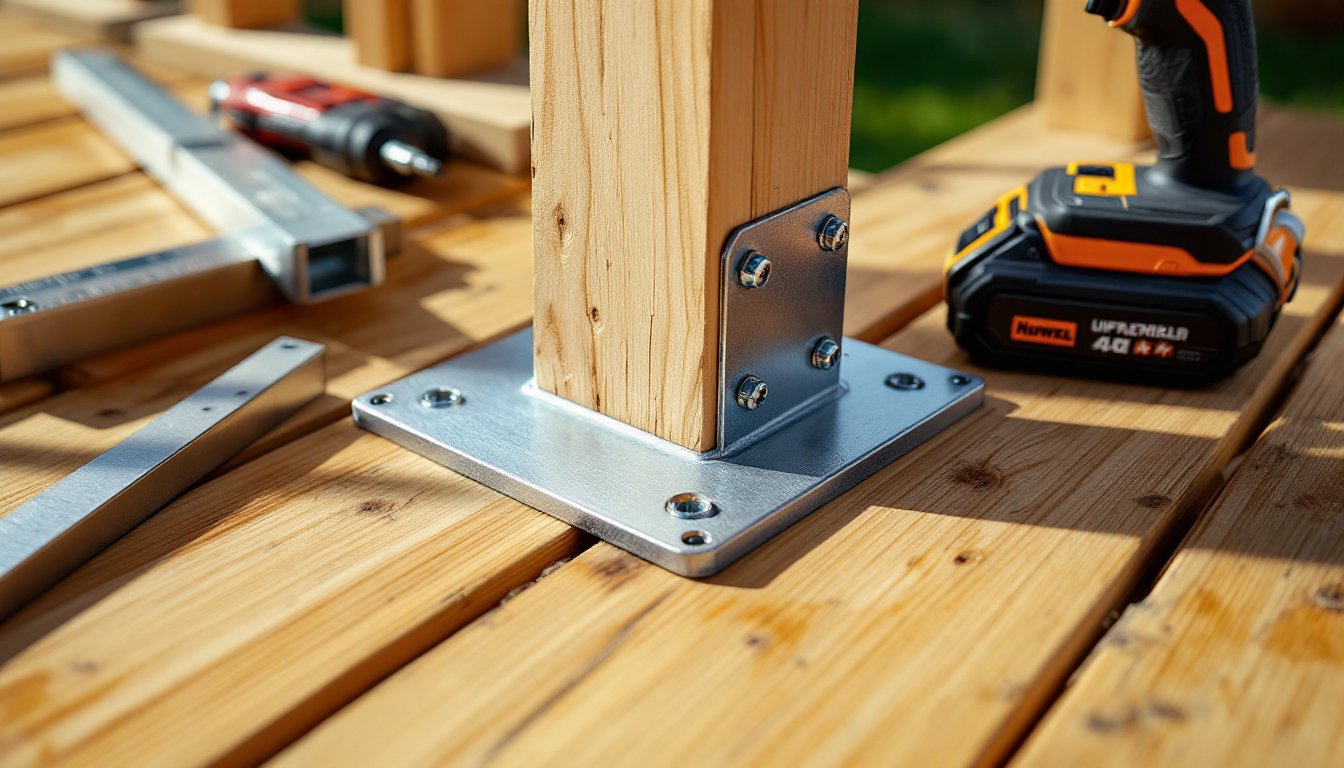
Most kits include U-bolts and clamps for 1-inch to 2-inch poles. You’ll likely need to source your own galvanized steel or PVC mast. Options:
- 10-foot galvanized chain-link fence post (1.5-inch OD): cheap, sturdy, and rust-resistant. Sink 2–3 feet into concrete.
- Schedule 40 PVC pipe (1.5-inch): lighter, easier to work with, but flexes in high wind. Best for temporary or low-wind areas.
- Roof-mount tripod kits: available from antenna supply shops: include guy wires and brackets. Caution: penetrating the roof requires flashing and sealant to prevent leaks. If you’re not confident in roof work, hire a handyman or roofer.
Leveling and Calibration
Use a bubble level or smartphone level app to ensure the sensor array is plumb. Many units auto-calibrate temperature and pressure, but rain gauges and wind vanes may need manual setup. Run the calibration routine in the app before logging data.
Wireless Connectivity and Interference
Mount the base console or Wi-Fi bridge within clear line of sight to the outdoor sensors. Metal studs, brick, and radiant barrier sheathing attenuate RF signals. If your console shows intermittent dropouts, relocate it to a window or add a wireless repeater (some brands sell these as accessories). Integrating the station into your connected home ecosystem can help centralize monitoring and troubleshooting.
Maintenance Schedule
- Monthly: Clear debris from rain gauge funnel: check battery levels.
- Quarterly: Inspect anemometer bearings (a drop of light machine oil if they squeak): wipe bird droppings off solar panels.
- Annually: Replace batteries even if readings seem fine (weak cells cause erratic data): recalibrate sensors per manufacturer instructions.
Safety Notes
- Wear gloves when handling metal masts in cold weather (frostbite risk).
- If mounting on a roof, use a safety harness and work with a partner. Roofs are the #1 source of DIY falls.
- Before digging post holes, call 811 (national “Call Before You Dig” hotline) to mark underground utilities. Hitting a gas line or fiber-optic cable is expensive and dangerous.
- Lightning risk: Elevated metal poles attract strikes. Some systems offer grounding kits: for extra protection, install a lightning arrestor on the mast and run a 6 AWG copper ground wire to an earth ground rod (8-foot copper-clad steel rod driven into soil). If you’re in a high-lightning area (Florida, Gulf Coast, Rockies), consult an electrician familiar with NEC Article 250 grounding requirements.
Reviews from trusted sources like Good Housekeeping’s weather station tests often highlight installation quirks and real-world durability, helping you avoid models with flimsy mounts or short sensor lifespans. When planning broader smart home upgrades, consider how weather data can trigger routines, like adjusting your smart thermostat based on outdoor temperature trends or activating IoT-connected devices to secure outdoor spaces before a storm.