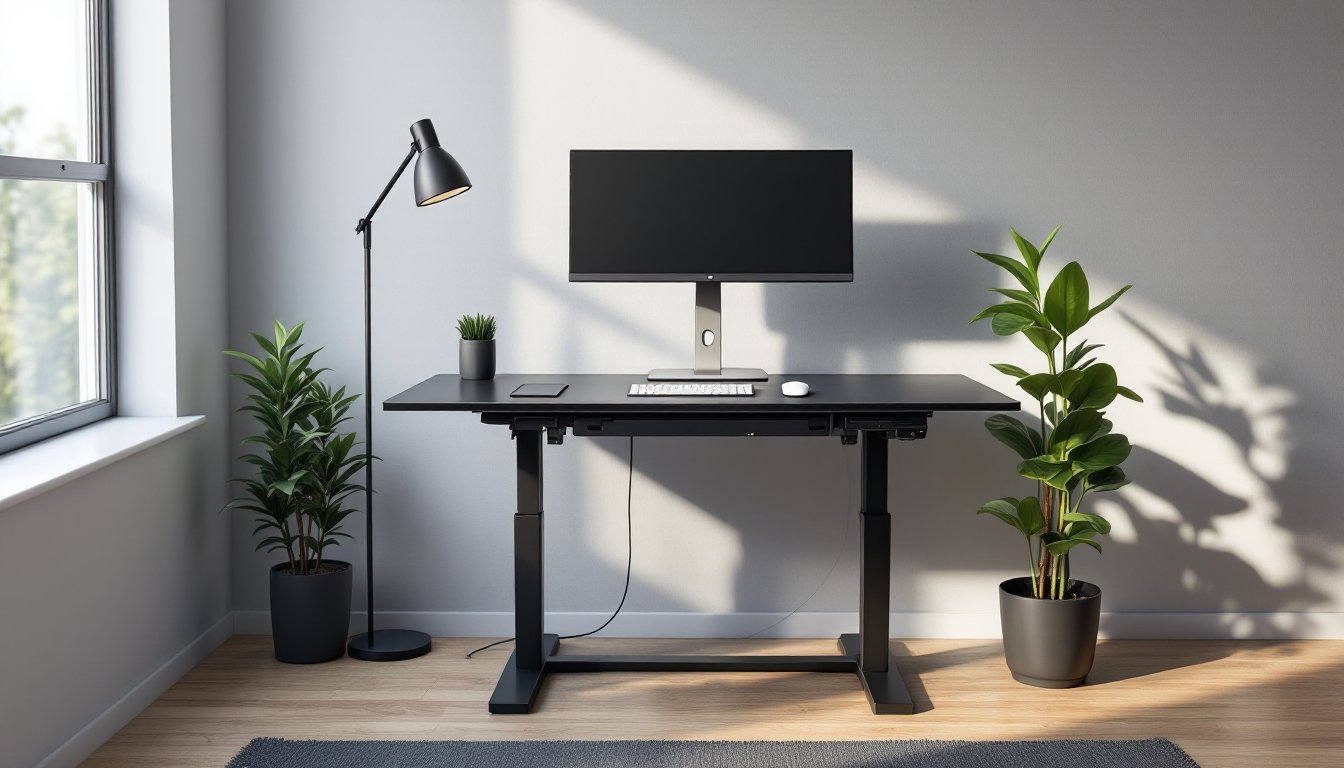
A black standing desk isn’t just a piece of furniture, it’s a commitment to better posture, increased energy, and a workspace that doesn’t look like an afterthought. Black finishes hide wear better than lighter colors, integrate with nearly any decor style, and lend a professional edge to home offices that might double as Zoom backdrops. Whether upgrading from a hand-me-down desk or building a workspace from scratch, a black standing desk offers versatility in both function and appearance. The key is choosing one that fits the body, the space, and the way someone actually works, not just what looks good in a product photo.
Table of Contents
ToggleKey Takeaways
- A black standing desk improves ergonomics by allowing you to alternate between sitting and standing throughout the day, reducing lower back strain and boosting focus during afternoon slumps.
- Black finishes hide wear, fingerprints, and scuff marks far better than lighter colors, making your black standing desk more durable and requiring minimal maintenance over years of use.
- Dual-motor electric systems and height ranges of 28–48 inches (or higher for tall users) ensure smooth, even lifting and accommodate various body types and workspace needs.
- Proper desk positioning—perpendicular to windows, monitor at eye level, and keyboard at 90-degree elbow angle—maximizes productivity and prevents posture-related injuries.
- Pairing a black frame with natural wood desktops or strategic lighting and plants softens the aesthetic while maintaining the professional, clean look black furniture provides.
- Regular maintenance using a microfiber cloth, annual lubrication of moving parts, and protection from direct sunlight extends motor longevity and keeps your black standing desk looking new.
Why Choose a Black Standing Desk for Your Home Workspace
Black standing desks dominate home offices for practical reasons. The powder-coated or painted black frames resist fingerprints and scuff marks far better than white or silver finishes. In spaces where natural light is limited, black furniture recedes visually, making small rooms feel less cluttered. Unlike natural wood tones that clash with mismatched furniture, black acts as a neutral anchor.
From an ergonomic standpoint, the color doesn’t matter, but the standing part does. Prolonged sitting compresses spinal discs and restricts blood flow to the legs. Alternating between sitting and standing throughout the day reduces lower back strain and can improve focus during long tasks. Many users report feeling more alert when standing, particularly during afternoon slumps.
Black desks also age gracefully. Light-colored desks show coffee rings, pen marks, and wear patterns within months. A matte black desktop hides minor scratches, and steel frames don’t discolor over time. For anyone planning to keep a desk through multiple office reconfigurations, black offers longevity without the need for refinishing or touch-ups.
Finally, resale value holds steady. Black furniture appeals to a broader audience than niche finishes like walnut or white oak. If the desk eventually gets replaced, it’ll move faster on the secondhand market than a pastel or heavily distressed piece.
Key Features to Look for in a Black Standing Desk
Not all standing desks are built alike. The frame, motor, and desktop material determine whether a desk becomes a daily workhorse or a wobbly liability.
Height Adjustment Mechanisms and Range
Standing desks adjust via electric motors, manual cranks, or pneumatic lifts. Electric models use dual motors (one per leg) or a single motor with a drive shaft. Dual-motor systems lift heavier loads more evenly and typically last longer. Single-motor desks cost less but may struggle with monitors, desktop PCs, or thick butcher-block tops.
Manual crank desks require turning a handle to raise or lower the surface. They’re reliable and don’t need outlets, but adjusting height multiple times a day gets tedious. Pneumatic desks use a lever and gas cylinder, quick to adjust but limited in weight capacity, usually maxing out around 33 pounds.
Height range matters more than most buyers realize. A desk that adjusts from 28 to 48 inches accommodates users from roughly 5’2″ to 6’4″. Taller individuals need desks that reach at least 50 inches at full extension. Shorter users should verify the desk drops below 27 inches, especially if sitting in a standard office chair without a footrest.
Look for a minimum lift speed of 1 inch per second. Slower motors mean waiting 20+ seconds for a full transition, which discourages frequent adjustments. Premium models include memory presets, programmable buttons that recall saved heights for sitting and standing positions.
Desktop Size and Weight Capacity
Desktop dimensions should match the work being done. A 48 × 24-inch surface fits a laptop and a monitor but feels cramped with dual screens, a microphone arm, and desktop speakers. A 60 × 30-inch top offers breathing room for multi-monitor setups and still fits in most bedrooms or spare offices. Larger 72-inch desks suit dedicated home offices but won’t squeeze into tight corners.
Weight capacity ranges from 100 to 355 pounds depending on the frame. A laptop and a monitor weigh roughly 15 pounds combined. Add a 27-inch monitor (12 lbs), a desktop PC (20 lbs), and a few books, and the load climbs past 50 pounds. Budget desks rated for 100 pounds may wobble under that strain, especially at full height. Frames rated for 200+ pounds provide stability even when loaded with heavy equipment.
Desktop material affects both durability and aesthetics. Laminate particleboard is the most affordable and lightest option, easy to scratch but replaceable. MDF with a laminate veneer resists warping better than particleboard and costs slightly more. Solid wood or butcher block looks premium and handles abuse but adds significant weight, requiring a stronger motor. Avoid desktops thinner than 0.75 inches: they flex under pressure and feel flimsy when typing.
How to Position Your Black Standing Desk for Maximum Productivity
Desk placement affects lighting, posture, and distraction levels. Start by assessing natural light. Positioning a desk perpendicular to a window reduces glare on screens while still providing ambient light. Facing a window directly causes eye strain on sunny days. Placing a desk with the window behind creates a backlit silhouette on video calls, fine for privacy, problematic for professional meetings.
Monitor height should sit at or slightly below eye level when standing. The top of the screen aligns roughly with the user’s eyebrows. If the monitor sits too low, the neck bends forward, leading to tension headaches. Monitor arms offer more adjustability than fixed stands and free up desk space.
Keyboard and mouse placement matters just as much as height. Elbows should rest at a 90-degree angle when typing, with wrists straight, not angled up or down. If wrists bend upward to reach the keyboard, the desk is too high. If shoulders hunch forward, it’s too low. A separate keyboard tray helps fine-tune this, especially for users who prefer standing at different heights than their ideal typing height.
Cable management prevents tripping hazards and keeps the workspace clean. Adhesive cable clips attach to the underside of the desk, routing power and monitor cables along the legs. Many users report better focus and productivity when standing desk setups integrate cable trays or sleeves to hide clutter.
Leave at least 24 inches of clearance behind the desk for the chair when sitting. If the desk backs up to a wall, ensure there’s enough space to push the chair back without hitting baseboards. Front clearance should allow standing without the knees hitting drawers or supports.
Flooring impacts comfort during long standing sessions. Carpet provides some cushioning, but dense office carpet over concrete still causes foot fatigue. An anti-fatigue mat with beveled edges encourages subtle weight shifts and reduces joint strain. Mats 0.75 inches thick work well on hard floors: thinner mats (0.5 inches) suit low-pile carpet.
Styling Your Black Standing Desk to Match Your Home Decor
Black desks anchor a room but require intentional styling to avoid a stark, industrial look. Pairing a black frame with a natural wood desktop (walnut, oak, or bamboo) softens the aesthetic and adds warmth. This combination works in Scandinavian, mid-century modern, and transitional spaces.
For minimalist or contemporary offices, an all-black setup, black frame, black desktop, black accessories, creates a monochrome look. Break up the monotony with brushed nickel or matte brass desk lamps, which reflect light without introducing competing colors. Plants add organic texture: a pothos trailing from a shelf or a snake plant in a matte black pot ties into the desk without clashing.
In eclectic or maximalist spaces, black furniture acts as a grounding element among bold patterns and saturated colors. A black desk won’t compete with colorful art, patterned rugs, or vibrant accent walls. It lets the rest of the room take center stage.
Desktop accessories should serve a purpose. A monitor riser lifts screens to proper height and provides storage underneath for notebooks or charging cables. A cable management box hides power strips and excess cord length. A desk pad protects the surface from scratches and defines the workspace boundary, leather pads suit traditional offices, while felt or cork pads fit modern setups.
Under-desk storage options include rolling file cabinets, floating shelves, or pegboard panels mounted to the wall behind the desk. Black metal pegboards integrate seamlessly and hold tools, headphones, or small bins. Avoid overloading the desktop: clutter negates the benefits of a clean, adjustable workspace.
Lighting matters as much as furniture. A black desk absorbs light, so task lighting becomes essential. Adjustable LED desk lamps with color temperature control (2700K warm white for evening, 5000K daylight for focused work) reduce eye strain. Avoid placing lamps directly behind monitors, position them to the side to eliminate screen glare.
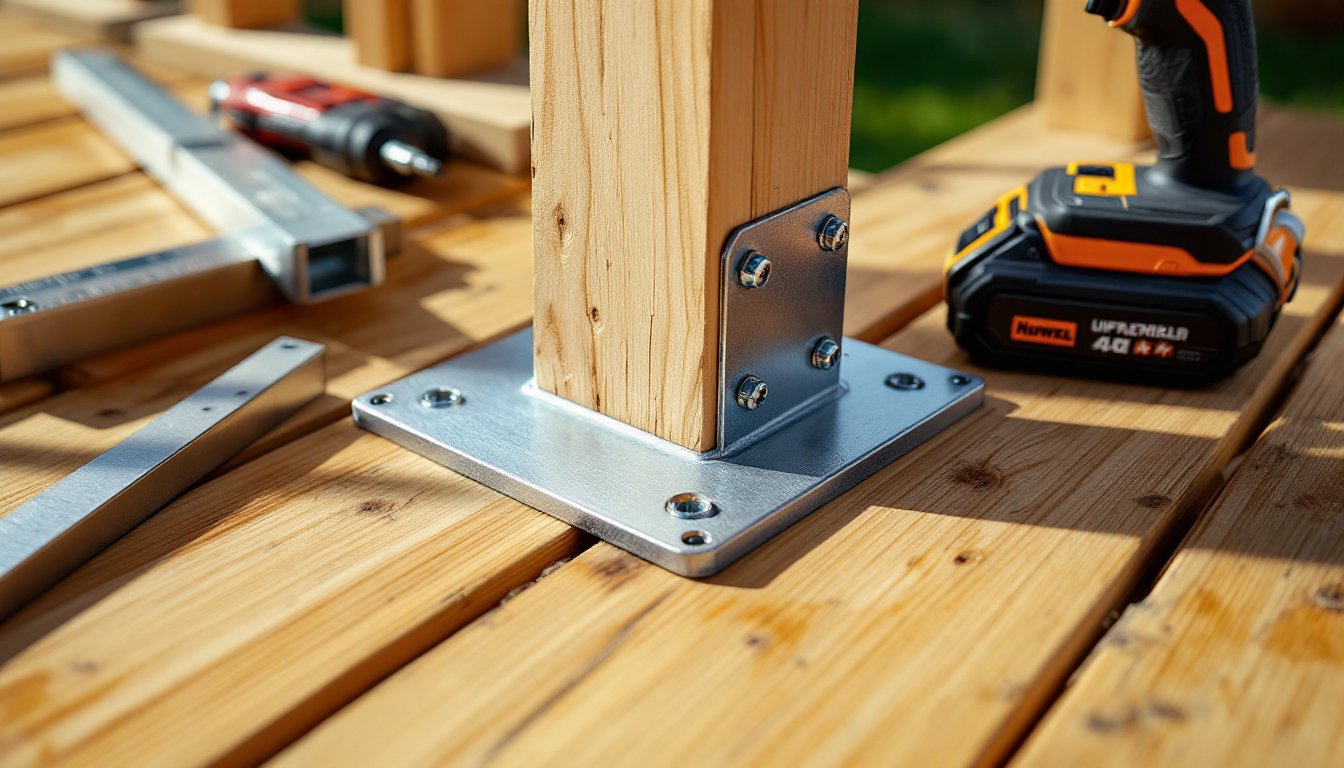
For those who prefer a DIY approach, building a custom desk and finishing it with matte black paint offers full control over dimensions and materials while keeping costs lower than many pre-built models.
Maintenance and Care Tips for Black Standing Desks
Black surfaces show dust more than lighter finishes, but maintenance stays straightforward with a regular routine. Wipe down the desktop weekly with a microfiber cloth slightly dampened with water. For laminate or MDF desks, avoid harsh cleaners, dish soap diluted in water works for sticky spots. Dry the surface immediately to prevent water damage along seams.
Powder-coated steel frames resist rust but still collect dust in crevices. A dry microfiber cloth or a soft brush attachment on a vacuum clears debris from joints and motor housings. Lubricate moving parts annually if the manufacturer recommends it. Some electric desks use sealed mechanisms that don’t require oil, but manual crank models benefit from a drop of machine oil on the gears.
Check leveling feet every few months, especially on uneven floors. If the desk wobbles, adjust the feet until stable. Persistent wobbling at standing height may indicate a motor imbalance or loose bolts. Tighten all frame bolts with an Allen wrench or socket set, shipping and regular use can loosen connections over time.
Black desktops scratch more visibly than wood-grain finishes. Use coasters, mouse pads, and desk mats to protect high-traffic areas. For deep scratches on laminate, a black permanent marker or furniture touch-up pen camouflages damage temporarily. Solid wood desks can be sanded and refinished if scratches penetrate the finish.
Motor longevity depends on usage and load. Desks rated for 200+ pounds and used within that limit typically last 5-10 years with minimal service. Overloading the desk or adjusting it multiple times an hour accelerates motor wear. If the desk starts moving slower or making grinding noises, contact the manufacturer before the warranty expires, most offer 3-5 year coverage on motors.
Avoid placing standing desks in direct sunlight for extended periods. UV exposure fades black paint and can warp laminate over time. If the desk sits near a window, blackout curtains or UV-blocking film protect both the desk and electronics.
Many of the models highlighted in recent standing desk roundups feature scratch-resistant coatings and robust frames designed to handle daily height adjustments without premature wear, making maintenance even simpler for long-term use.