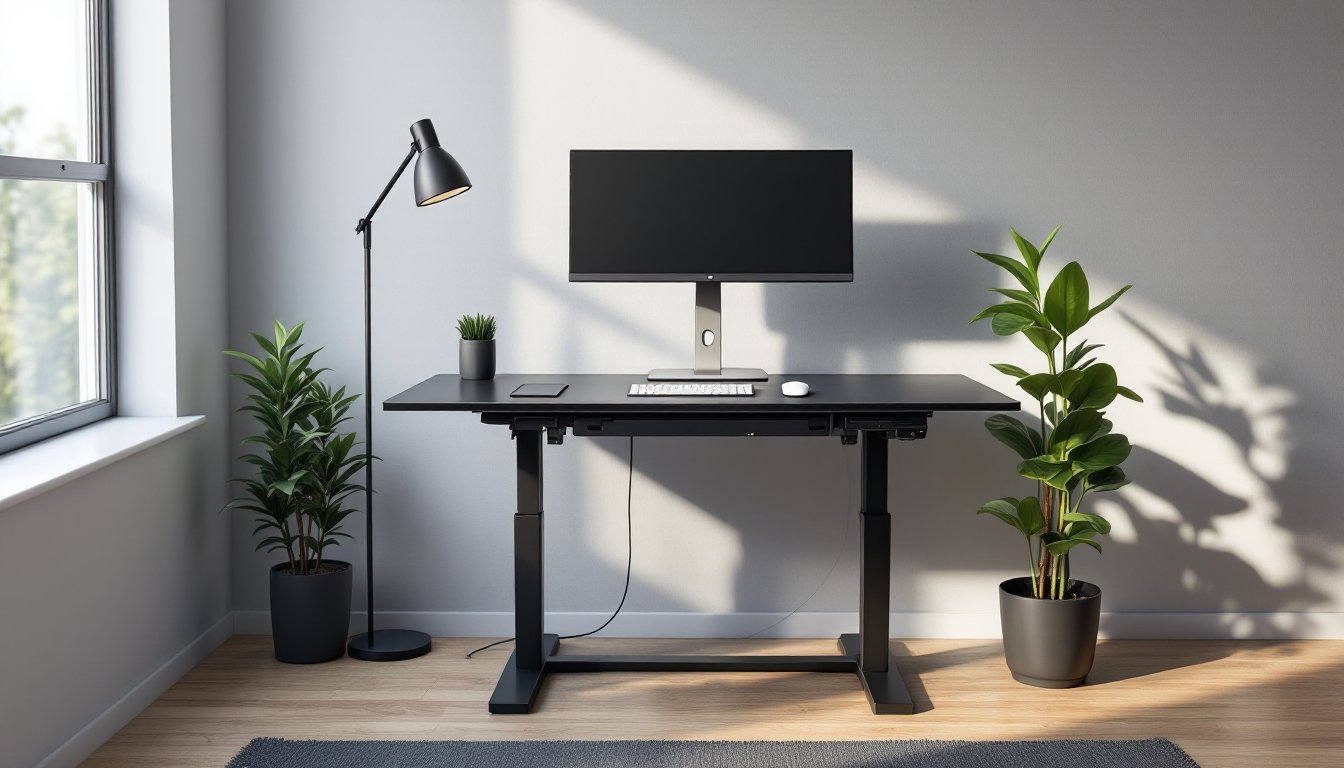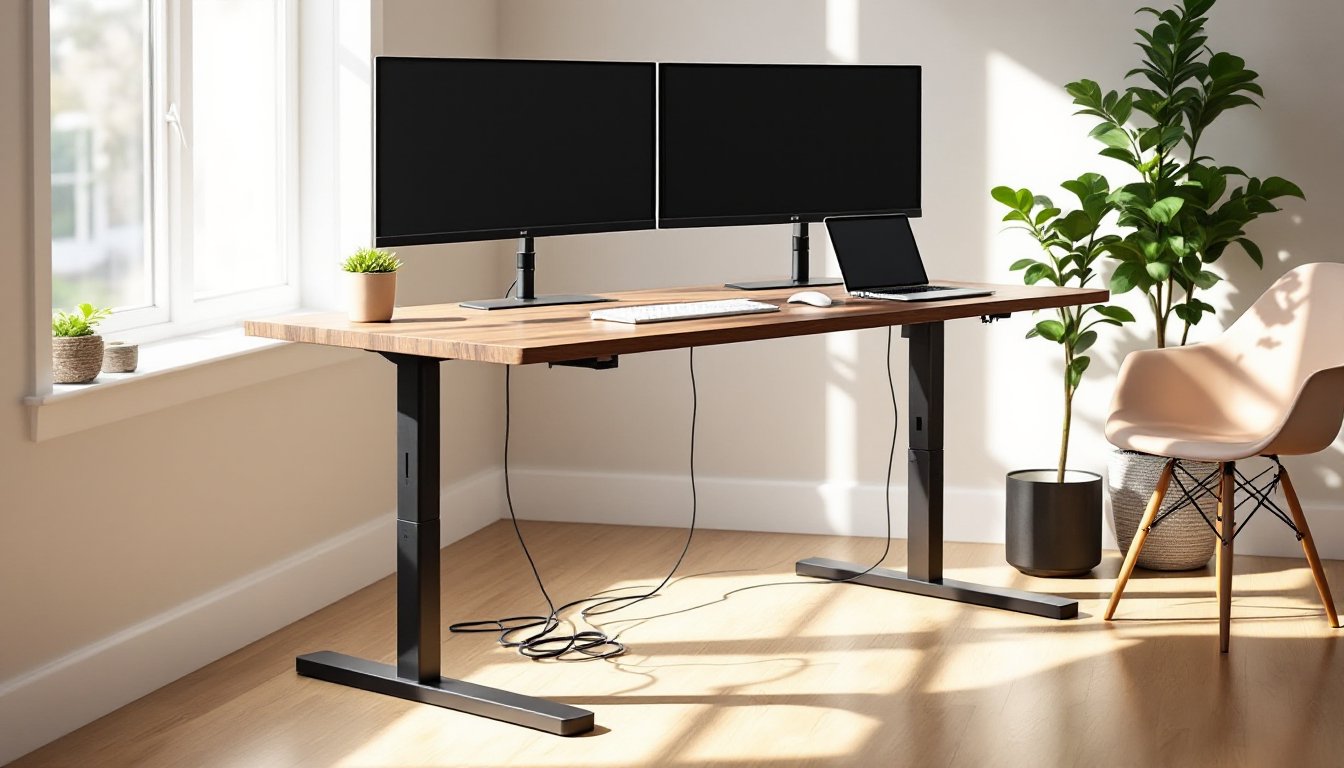
The Branch Duo standing desk has been making the rounds in home office and workspace circles for its no-nonsense approach to sit-stand workstations. Unlike showroom-priced competitors loaded with Bluetooth apps and unnecessary extras, Branch positions the Duo as a straightforward, electrically adjustable desk that does the job without the markup. For DIYers and homeowners setting up a home office or upgrading a workspace, the question isn’t whether standing desks are useful, it’s whether this particular model delivers reliable performance at a competitive price point in a market that’s gotten crowded fast.
Table of Contents
ToggleKey Takeaways
- The Branch Duo standing desk delivers dual-motor stability at $499–$549, undercutting premium competitors like Uplift and Fully by $100–$400 without sacrificing core performance.
- Its independent dual-motor system provides balanced lifting and reduced wobble compared to single-motor designs, making it ideal for asymmetrical desk layouts and heavy monitor setups.
- Height range from 24.5 to 50 inches accommodates users 5’0″ to 6’4″+, with three-stage telescoping legs that offer broader adjustability than budget competitors capped at 48 inches.
- Straightforward four-button control with two programmable memory presets eliminates app dependency and unnecessary electronics, reducing long-term failure points and maintenance complexity.
- The 275-pound lifting capacity is conservatively rated and sufficient for solid wood desktops plus dual monitors and desktop towers, with a seven-year warranty exceeding most budget alternatives.
- Frame-only purchasing option lets DIYers source custom desktops, while minimal cable management requires add-ons like velcro straps for professional organization.
What Makes the Branch Duo Standing Desk Stand Out?
The Branch Duo differentiates itself primarily through pricing strategy and component transparency. While many standing desks obscure motor specs or bundle unnecessary tech features to justify inflated MSRPs, Branch publishes clear capacity ratings, stroke length, and motor type upfront.
The desk uses a dual-motor lifting system with independent motors on each leg, which provides more stable lifting than single-motor crossbar designs, especially when loads aren’t perfectly centered. This matters if you’re mounting monitor arms, placing a desktop PC tower on one side, or working with an asymmetrical layout. The dual-motor setup reduces lateral wobble and frame torque during height transitions.
Branch also ships the Duo with a three-stage telescoping leg design, allowing a height range from approximately 24.5 inches to 50 inches. That accommodates users from around 5’0″ to well over 6’4″, which is broader than many budget competitors capped at 48 inches. For taller users or anyone who wants the desk high enough to use while standing on an anti-fatigue mat, that extra range is non-negotiable.
Another differentiator: the frame and desktop ship separately, and the desktop is optional. If you already have a desktop or want to source your own butcher block, laminate, or live-edge slab, you can order just the motorized base. That’s a solid option for anyone looking to repurpose materials or match existing furniture.
Key Features and Specifications
Dual-Motor System and Height Adjustability
The Branch Duo relies on two AC motors rated for a combined 275-pound lifting capacity. That’s conservative compared to the inflated 300–350 lb claims you’ll see elsewhere, but it’s honest, and 275 lbs covers the weight of most desktop configurations plus the desk surface itself. For reference, a solid wood butcher block countertop in a 60″ x 30″ size weighs around 70–90 lbs, leaving plenty of headroom for dual monitors, a desktop tower, and accessories.
The motors drive the legs at a speed of roughly 1.5 inches per second, which is standard for this class. It’s not whisper-quiet, expect a low hum during adjustment, but it’s quieter than cheaper single-motor units that grind or vibrate under load. If you’re sharing a workspace or taking video calls, it’s unobtrusive.
The control paddle is a simple four-button unit: up, down, and two programmable memory presets. No LCD, no Bluetooth, no app dependency. For most users, two presets (sitting and standing heights) are all you need. If you want four presets or digital height readouts, you’ll need to look elsewhere, but that also means fewer electronic components to fail over time.
Desktop Options and Build Quality
Branch offers three desktop finishes, Walnut, White, and Black, in either a laminate or bamboo construction. The laminate tops are 1-inch-thick particleboard cores with a melamine veneer. They’re durable enough for daily use and resist minor scratches and moisture better than raw wood, but they won’t take edge impacts or deep gouges well. The bamboo option is edge-grain bamboo, which is harder and more impact-resistant than most softwoods but still prone to denting under concentrated loads like clamp-on monitor arms without a protective plate.
Desktop dimensions are 60″ x 30″ or 72″ x 30″, both standard sizes. Depth is fixed at 30 inches, which is adequate for a monitor at arm’s length plus a keyboard, but tight if you want deep storage or multiple layers of gear. If you need more depth, plan to source your own top.
The frame itself is powder-coated steel with a rectangular cross-section leg profile. Welds are clean, and there’s no visible flex or play in the joints when assembled correctly. The feet include adjustable leveling glides, small threaded pads that let you compensate for uneven flooring. If your floor slopes or you’re setting up on old hardwood, you’ll use these. They adjust about ±0.5 inches, which handles most residential floor irregularities without shimming.
Cable management is minimal: a plastic cable tray mounts under the desktop to corral power cables and peripherals. It’s functional but not elegant. If you’re running multiple devices, you’ll want to add velcro straps or cable sleeves to keep things tidy. Independent reviews, including detailed assessments of the Branch Duo, confirm that the cable management works but won’t win design awards.
Assembly and Installation Process
Assembly is straightforward and doesn’t require specialized tools beyond what’s included. Expect 60–90 minutes for a solo build, less if you have a second person to help flip the desktop.
Tools you’ll need:
- Phillips screwdriver (a power drill with a Phillips bit speeds things up)
- Allen wrenches (included in the kit)
- Adjustable wrench (optional, but helpful for tightening the crossbar bolts)
Assembly steps:
-
Attach the feet to the legs. Each leg has a rectangular tube that slides into the foot base and locks with four bolts. Use the included Allen wrench. Tighten these firmly, loose feet create wobble.
-
Install the crossbar. The steel crossbar connects the two legs and houses the motor wiring harness. The crossbar is adjustable to fit different desktop widths, so measure your desktop and set the correct width before bolting it down. The bar locks with four bolts per side. If these aren’t fully tightened, you’ll get frame flex.
-
Mount the control box and paddle. The control box (the brain of the motor system) mounts to the underside of the desktop with screws. Route the motor cables to the box and plug them in. The control paddle connects via a coiled cable. Branch includes a template for screw placement, which helps if you want the paddle in a specific spot.
-
Flip the desktop and attach the frame. This is where a helper is useful. Flip the desktop upside down on a blanket or cardboard to protect the finish. Position the frame, then drill pilot holes and drive the mounting screws through the legs into the underside of the desktop. Use at least eight screws per leg for solid attachment. If you’re using the included laminate top, the screws are self-tapping. For hardwood or bamboo, pre-drill to avoid splitting.
-
Flip the desk upright and test. Plug it in, adjust the feet for level, and cycle the desk through its full range a few times. Listen for unusual sounds or binding. If one side lags, check the motor connections.
Common mistakes to avoid:
- Not leveling the desk before tightening. If the floor is uneven and you tighten everything down, you’ll lock in a wobble.
- Under-tightening the crossbar bolts. This is the most common source of side-to-side flex.
- Routing cables where they’ll snag. Keep motor and power cables clear of the leg travel path.
No permits are required for installing a standing desk, it’s movable furniture, not a fixed installation.
Performance and User Experience
In daily use, the Branch Duo performs as advertised. The dual motors lift smoothly under typical loads, two monitors, a laptop, and peripherals, without stuttering or uneven rising. Wobble is present but minimal. At full standing height (around 48–50 inches), there’s a small amount of front-to-back movement if you lean on the desk or type heavily. This is normal for any standing desk with a three-stage leg system: it’s a trade-off for extended height range. If you want rock-solid stability, you’d need a two-stage system, which sacrifices adjustability.
Noise level during adjustment is low but audible, around 50–55 dB, roughly equivalent to a quiet conversation. It’s not disruptive, but it’s not silent. If you adjust frequently during calls, mute first.
Memory presets work reliably. Press and hold a preset button for three seconds to save the current height, then tap it later for one-touch adjustment. The system recalls heights within ±0.25 inches, which is tight enough that you won’t notice drift.
One limitation: the desk has no anti-collision feature. If something is in the path during adjustment, like a drawer or a chair, the desk won’t stop automatically. Higher-end models include sensors that reverse direction on contact. With the Duo, you’re responsible for clearing the path. Not a dealbreaker, but worth knowing if kids or pets are around.
The laminate desktop holds up well to daily wear. Coffee spills wipe clean, and the surface resists heat marks from mugs. Sharp impacts, like dropping a heavy tool or dragging a metal object, will gouge it. The bamboo top is more resilient but shows scratches more visibly due to the grain contrast.
Cable management remains the weakest link. The included tray holds cables, but doesn’t organize them. Plan to add your own routing solution if you’re particular about clean lines. For DIYers comfortable with simple builds, creating a custom cable raceway or using DIY organization ideas can significantly improve the setup.
Overall, the Branch Duo delivers reliable sit-stand functionality without unnecessary features. It’s a tool, not a showpiece. If that aligns with your priorities, it’ll serve you well.
Pricing and Value Comparison
As of early 2026, the Branch Duo with a laminate desktop retails for approximately $499–$549, depending on size and finish. The frame-only option runs around $399. Bamboo tops add roughly $50–$70 to the base price. These figures can shift with promotions or material cost changes, but Branch tends to hold steady compared to competitors who cycle through flash sales.
For context, comparable dual-motor standing desks from Uplift, Fully, or Vari range from $600 to over $900 with similar specs. The price gap comes down to branding, support infrastructure, and feature add-ons like anti-collision sensors, four memory presets, or app control. If those extras matter to you, the premium may be worth it. If you want reliable height adjustment and don’t need the bells and whistles, the Branch Duo undercuts the field by a meaningful margin.
Compared to single-motor budget desks in the $250–$350 range, the Duo’s dual-motor system justifies the step up in cost. Single-motor desks use a crossbar-driven lifting mechanism that’s more prone to uneven rising, frame twist, and motor failure under sustained use. For a home office desk you’ll use daily, the dual-motor design is a smarter long-term investment.
Value also depends on longevity. Branch offers a seven-year warranty on the frame and motors, which is above-average for the category. Most budget competitors cap warranties at three to five years. The warranty covers mechanical failure but not cosmetic damage or user error (like overloading the desk or damaging the desktop). For reference, product listings and user feedback indicate that build quality holds up well beyond the warranty period with normal use.
Bottom line: the Branch Duo is competitively priced for a dual-motor standing desk and offers better value than premium brands if you’re willing to skip advanced features and handle basic assembly yourself. For DIYers and homeowners who prioritize function over flash, it’s a solid pick in 2026.