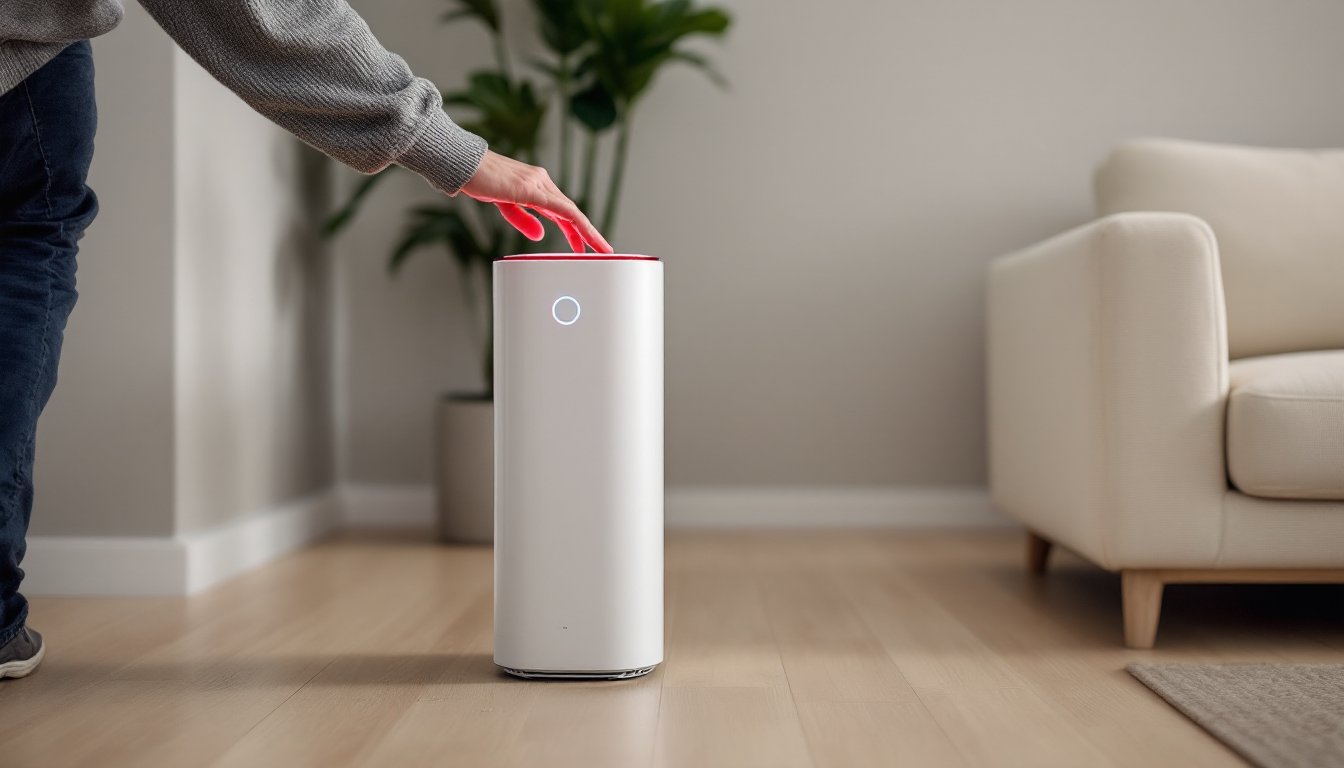
That red light glaring from your Blue Air purifier isn’t cause for panic, it’s the unit’s way of telling you something needs attention. Most often, it’s a straightforward filter replacement reminder, though it can occasionally signal a sensor issue or internal fault. Blue Air purifiers use color-coded LED indicators to communicate status: blue typically means all clear, while red demands action. Understanding what triggered the alert and how to address it quickly gets your air quality back on track. This guide walks through the most common causes, practical troubleshooting steps, and how to reset the unit once you’ve solved the problem.
Table of Contents
ToggleKey Takeaways
- A red light on your Blue Air purifier is a diagnostic alert that requires action—most commonly indicating it’s time to replace the filter.
- The red light on a Blue Air purifier is triggered primarily by the filter replacement timer after approximately six months of use, though actual filter saturation depends on environmental factors like pets, smoke, and dust levels.
- Troubleshoot systematically by powering down the unit, inspecting and replacing the filter if needed, cleaning sensor inlets, and ensuring proper reassembly before attempting a reset.
- Reset the filter timer using your model’s specific method—holding the control button for 5-10 seconds on Classic Series units or accessing the Settings menu on HealthProtect touchscreen models.
- Prevent future red light alerts with monthly maintenance (vacuuming grilles and washing pre-filters) and quarterly inspections, and replace filters every 3-4 months in high-dust or high-smoke environments.
- If the red light persists after filter replacement and reset, the issue likely stems from a sensor malfunction or internal fault requiring professional service or a warranty claim.
What Does the Red Light on Your Blue Air Purifier Mean?
The red light on a Blue Air purifier functions as a diagnostic indicator, alerting the user to a specific condition that requires intervention. Unlike vague warning symbols, Blue Air’s system is relatively straightforward: red indicates a problem that prevents optimal operation.
Most Blue Air models, including the Classic series (such as the 205, 211+, and 411), Pure series, and HealthProtect line, use this LED system. The red light typically appears solid rather than blinking, and it won’t clear until the underlying issue is resolved and the unit is properly reset.
The light’s location varies by model. On the Classic 205 and 211+ units, it’s positioned near the base or control panel. On the Blue Pure 411 and similar compact models, the LED ring around the single button changes color. The HealthProtect series may display red on the touchscreen interface or as a dedicated LED.
Do not ignore a red light. Continuing to run the purifier without addressing the alert can reduce efficiency, strain the motor, or recirculate contaminants if the filter is saturated. The unit is engineered to work within specific parameters, and a red light means those parameters aren’t being met.
Common Reasons Your Blue Air Purifier Shows a Red Light
Filter Replacement Alert
The overwhelmingly most common trigger for a red light is the filter replacement timer. Blue Air purifiers track runtime hours, not air quality directly. Depending on the model, filters are designed to last approximately six months under typical residential use (running 24/7 in a moderately polluted environment).
Blue Air uses a three-stage filtration system in most models: a pre-filter (often washable fabric), a particle filter (combination HEPA and activated carbon), and in some models, an additional HEPASilent layer. The main particle filter does the heavy lifting, trapping dust, pollen, pet dander, smoke, and VOCs, and when it reaches capacity, airflow restriction increases and filtration efficiency drops.
The purifier calculates six months of operation and illuminates the red light as a maintenance prompt. But, this timer doesn’t account for variables like smoking, pets, construction dust, or wildfire season, all of which accelerate filter saturation. If you’re running the unit in a high-dust environment or during poor air quality events, the filter may clog well before the six-month mark.
Key indicators the filter is actually spent:
- Reduced airflow or weaker fan noise
- Visible dust or discoloration on the filter surface
- Persistent odors even though the unit running
- Increased dust accumulation in the room
Replacement filters are model-specific. The Classic 205 uses the 200/300 series filter, the 211+ uses the 200/300 series filter (larger), and the Pure 411 uses the 411 filter. Always verify the part number before ordering, using an incorrect filter compromises both fit and performance. Modern air purifier models now include app-based reminders and real-time air quality sensors that provide more granular feedback than timer-based alerts alone.
Sensor or Internal Error
Less commonly, a red light indicates a sensor fault or internal error. Blue Air’s HealthProtect series, in particular, incorporates air quality sensors that monitor particulate levels. If the sensor becomes dirty, miscalibrated, or fails, the unit may display a red alert even with a fresh filter installed.
Potential sensor-related causes:
- Dust or debris coating the sensor inlet (usually a small grille near the control panel)
- Electrical fault from a power surge or voltage fluctuation
- Software glitch requiring a hard reset
- Component failure due to age or manufacturing defect
Internal errors may also stem from mechanical issues, fan obstruction, motor strain, or loose wiring, though these are rare in Blue Air units, which are generally robust. If the red light persists after replacing the filter and performing a reset, the issue likely requires professional service or warranty claim.
Other symptoms that suggest a sensor or internal problem:
- Red light appears immediately after plugging in a brand-new unit
- Unusual noises (grinding, clicking, high-pitched whine)
- The unit shuts off unexpectedly or won’t power on
- Error codes or flashing patterns (consult the user manual for model-specific codes)
Step-by-Step Troubleshooting Guide
Follow this sequence to diagnose and resolve the red light systematically. Work through each step before moving to the next.
1. Power down and unplug the unit.
Disconnect from the wall outlet and let it sit for 30 seconds. This clears residual charge and allows the microcontroller to reset.
2. Remove and inspect the filter.
Open the purifier according to your model’s design, most have a snap-off or slide-off cover. Remove the main particle filter and examine it under good lighting. Look for:
- Heavy dust buildup or discoloration (gray or brown surface)
- Tears, gaps, or deformation
- Odor saturation (especially if you’ve been filtering smoke or cooking smells)
If the filter shows any of these signs, replace it. Don’t attempt to vacuum or wash the main HEPA/carbon filter, it won’t restore performance and can damage the media. The fabric pre-filter, but, is washable on most models. Hand wash in cold water with mild detergent, air dry completely, and reinstall.
3. Check for obstructions.
Inspect the fan chamber, intake grilles, and sensor openings. Remove any visible dust, pet hair, or debris with a soft brush or vacuum attachment. Do not use compressed air near the sensor, it can drive particles deeper into the housing.
4. Clean the sensor (if applicable).
HealthProtect and some newer models have an accessible sensor inlet. Gently wipe the sensor area with a dry microfiber cloth. Avoid moisture or cleaning chemicals, which can leave residue or corrode sensitive components.
5. Reinstall the filter and secure the cover.
Ensure the filter is seated correctly, gaps around the filter frame allow unfiltered air to bypass the media. The cover should click or snap firmly into place. A loose cover can trigger an error on some models.
6. Plug the unit back in and power on.
If the red light clears immediately, the issue was either a dirty filter or a temporary error. If it remains red, proceed to the reset procedure in the next section.
7. Verify airflow and operation.
Run the purifier on high speed for a few minutes. You should feel strong, consistent airflow from the outlet. Weak airflow after a filter change may indicate improper installation or a mechanical fault.
When to call for service:
- Red light persists after filter replacement and reset
- Unusual noises or burning smell
- Unit is under warranty and you’ve exhausted basic troubleshooting
Blue Air’s customer support can walk through advanced diagnostics or arrange a replacement if the unit is defective. Keep your purchase receipt and model number handy.
How to Reset Your Blue Air Purifier After Fixing the Issue
Once you’ve replaced the filter or cleared the error, you must manually reset the filter timer to turn off the red light and restart the six-month countdown. The exact reset method depends on your model, but the process is similar across the lineup.
Classic Series (205, 211+, 411, etc.):
- With the unit plugged in and powered on, locate the single control button (often marked with a power symbol or LED ring).
- Press and hold the button for 5-10 seconds until the LED changes color, typically cycling from red to blue or flashing briefly.
- Release the button. The red light should extinguish, and the unit should display blue or the normal operating color.
- If the light doesn’t change, try unplugging the unit for 30 seconds, then repeat the hold procedure.
HealthProtect Series (with touchscreen or app control):
- Navigate the touchscreen menu to Settings or Filter Reset.
- Select Reset Filter Timer or a similar option.
- Confirm the reset. The display should acknowledge the action, and the red alert should clear.
- If your unit is Wi-Fi connected, you may also reset via the Blue Air mobile app (available for iOS and Android). Open the app, select your device, tap Filter Status, and choose Reset.
General Tips:
- Consult your model’s user manual for the exact button sequence, some variations exist between generations.
- The reset must be performed after every filter change, or the red light will reappear based on the old timer.
- If the reset doesn’t work on the first attempt, try holding the button for the full 10 seconds. Some units require a longer press to register.
Once reset, the purifier should operate normally with a blue or green LED, depending on the model’s design. Many smart home devices now integrate with voice assistants and home automation platforms, allowing for remote monitoring and alerts, though Blue Air’s integration is still evolving compared to competitors.
Preventing Future Red Light Alerts: Maintenance Tips
Proactive maintenance extends filter life, keeps the unit running efficiently, and reduces the frequency of red light alerts. Follow these practices to get the most out of your Blue Air purifier.
Monthly Tasks:
- Vacuum the intake and outlet grilles with a soft brush attachment to prevent dust buildup.
- Remove and wash the fabric pre-filter (if applicable). Air dry completely before reinstalling, moisture trapped in the filter can encourage mold growth.
- Wipe down the exterior and control panel with a damp microfiber cloth.
Quarterly Tasks:
- Inspect the main particle filter through the unit’s access panel. If it’s visibly dirty before the six-month mark, consider replacing it early, this is common in homes with pets, smokers, or during wildfire season.
- Check the sensor inlet (HealthProtect models) and clean gently with a dry cloth.
Environmental Adjustments:
- Place the purifier at least 6-12 inches away from walls and furniture to ensure unrestricted airflow. Blocked intakes force the fan to work harder and accelerate filter clogging.
- Avoid running the unit in areas with excessive humidity (bathrooms, laundry rooms) unless the model is rated for high-moisture environments. Humidity can saturate carbon filters and reduce their VOC-trapping capacity.
- Use the appropriate fan speed for your needs. Running on high 24/7 isn’t necessary in most homes, medium or auto mode balances air cleaning with filter longevity.
When to Replace Filters Early:
- Heavy smoke exposure (wildfires, frequent cooking smoke, tobacco): Replace every 3-4 months.
- Multiple pets or high-dander households: Replace every 4-5 months.
- Construction or renovation dust: Replace immediately after the project ends, regardless of elapsed time.
Mark your calendar or set a phone reminder when you install a fresh filter. Some users write the installation date on the filter frame with a permanent marker as a visual reference.
Cost Considerations:
Replacement filters for Blue Air units typically range from $40 to $80 depending on the model and whether you buy OEM or third-party options. While aftermarket filters are cheaper, they may not meet the same filtration standards or fit as precisely. If you’re comparing units, lab-tested air purifier reviews often include long-term cost analyses that factor in filter replacement frequency and availability.
Consider buying filters in multi-packs during sales, Blue Air and major retailers often discount two- or three-packs, reducing the per-unit cost. Just ensure you have adequate storage in a cool, dry location to prevent filter degradation before use.